Complete troubleshooting guide for Shark robots with both vacuuming and mopping functions. Fix common issues with suction, water flow, and pad attachment.
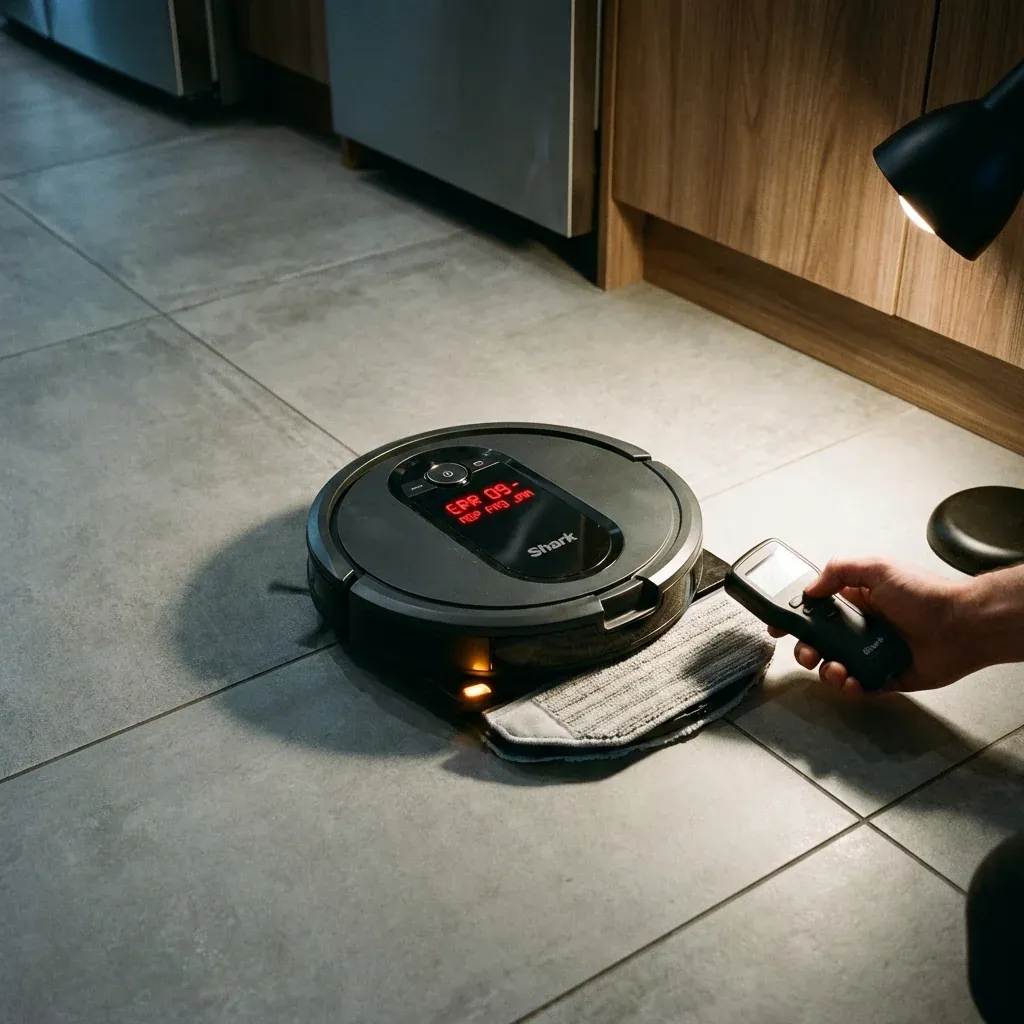
Shark’s 2-in-1 Vacuum & Mop robots are versatile but have more potential points of failure than vacuum-only models. This guide covers the most common issues and solutions.
Complete troubleshooting guide for Shark robots with both vacuuming and mopping functions. Fix common issues with suction, water flow, and pad attachment.
- Symptoms: Robot vacuums but won’t mop, Mopping leaves streaks, Vacuum suction is weak, Robot won’t switch between modes
- Tools: Microfiber Cloth, Clean Water
- Difficulty: Medium
1. Vacuum Mode Issues
Low Suction
- Check the dust bin: Empty if more than half full.
- Check the filter: Wash or replace if clogged.
- Check the brush roll: Clear hair and debris.
- Check for blockages: Inspect the suction path from brush to bin.
Brush Roll Not Spinning
- Hair wrap is the most common cause. Remove and clean the brush roll.
- Check if the brush roll is properly seated in its holders.
2. Mop Mode Issues
Pad Stays Dry
- Ensure the water tank is filled and properly attached.
- Unclog the water dispenser nozzle (see mopping pad fix).
- Prime the system by running mop mode for several minutes.
Streaky or Dirty Floors
- Replace worn mopping pads.
- Use clean water only (no cleaning solutions in tank).
- Empty the tank after each use to prevent stagnant water.
Robot Won’t Enter Mop Mode
- Ensure the mop plate/pad is attached correctly.
- Some models auto-detect the mop attachment; reattach to trigger detection.
- Check the app for mode selection issues.
3. Mode Switching Problems
Robot Vacuums Carpets Then Mops Them
Most 2-in-1 robots should avoid carpets when in mop mode. If not:
- Check the app’s “Carpet Avoidance” or “Mop Mode Settings.”
- Ensure the robot’s sensors can distinguish carpet from hard floor.
- Create No-Go Zones around rugs/carpets.
Robot Won’t Switch Modes Automatically
- Some models require you to manually remove the vacuum dust bin and attach the mop plate.
- Check if your model supports automatic switching.
Maintenance Schedule for 2-in-1 Robots
| Task | Frequency |
|---|---|
| Empty dust bin | After every run |
| Wash mopping pad | After every wet run |
| Clean water tank | Weekly |
| Deep clean brush roll | Every 2 weeks |
| Replace filters | Every 3-6 months |
| Replace mopping pads | Every 2-3 months |
TIP: If you use the mopping function regularly, buy multiple reusable pads. This way, you always have a clean one ready while others are in the wash.