Your Shark AI Ultra docks but won't empty its dust bin into the base. Learn how to clear clogs, reset the system, and fix suction issues.
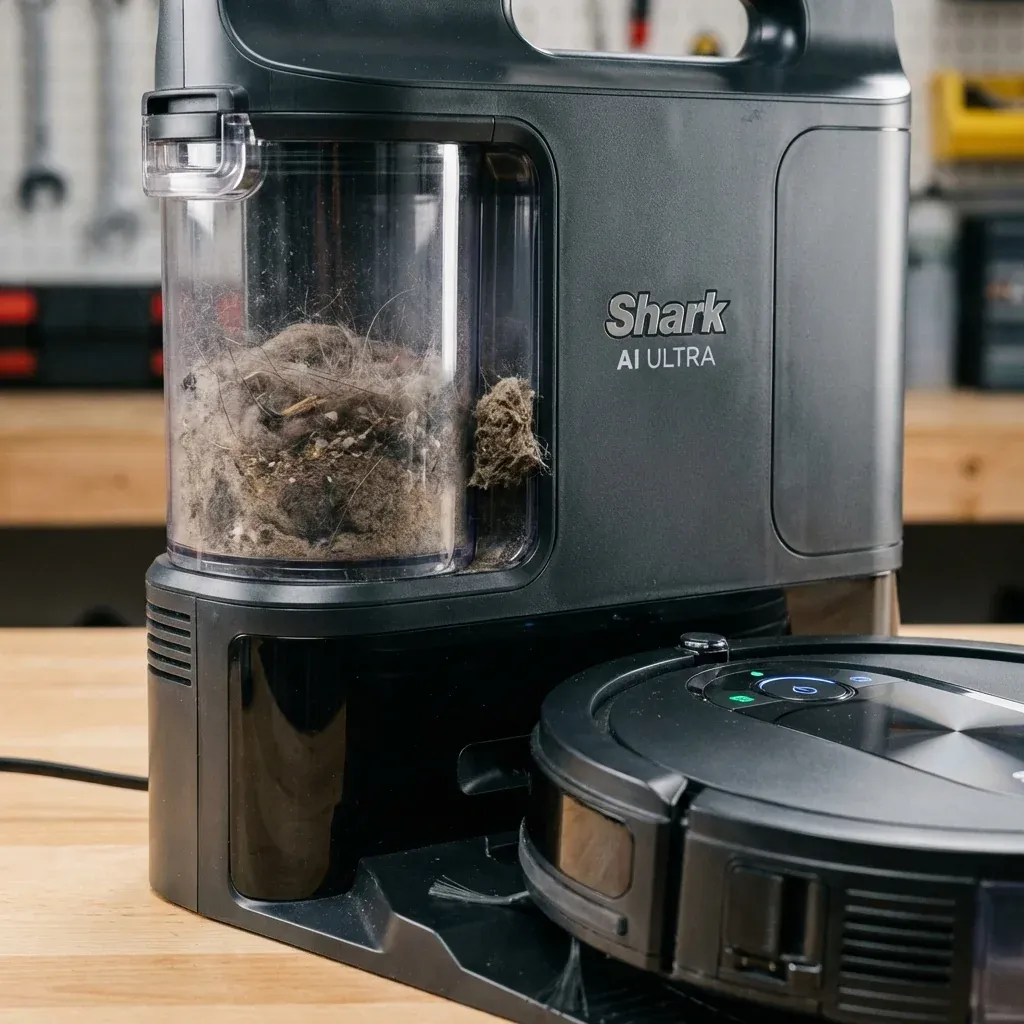
The Shark AI Ultra features a self-empty base that automatically sucks debris from the robot’s dust bin into a larger container. When this system fails, you lose one of the robot’s best features.
Your Shark AI Ultra docks but won’t empty its dust bin into the base. Learn how to clear clogs, reset the system, and fix suction issues.
- Symptoms: Robot docks but base doesn’t empty it, Self-empty base makes no sound, Dust bin still full after docking, Base suction is weak
- Tools: Flashlight, Long Brush or Pipe Cleaner
- Difficulty: Medium
Here is how to diagnose and fix self-empty issues.
1. Check the Connection
The robot must be perfectly aligned on the dock for the self-empty port to seal correctly.
Fixes
- Lift and re-dock: Pick up the robot and place it back on the charging contacts. You should hear a “whoosh” sound as it empties.
- Check the contacts: The metal charging strips on the robot and base should be clean. Wipe with a dry cloth.
- Level the base: If the base is on uneven flooring, the robot may not dock correctly.
2. Clear the Suction Path
The most common cause of self-empty failure is a clog somewhere in the airflow.
Where to Check
| Location | How to Access | Common Blockage |
|---|---|---|
| Robot Dust Bin Port | Remove the bin, look at the exit hole | Compacted dust clump |
| Base Intake | Look inside the base where robot docks | Hair or large debris |
| Base Internal Tube | Remove the bag/bin from base and look up | Sock, tissue, or hairball |
Fixes
- Use a flashlight to identify the blockage.
- Use a long brush, pipe cleaner, or even a chopstick to push debris through.
- If using bags, check if the bag is full and replace it.
3. Base Motor Failure (Rare)
If the base makes no sound at all when the robot docks, the suction motor in the base may have failed.
Test
- Unplug the base for 60 seconds.
- Plug it back in.
- Dock the robot manually.
- Listen for the suction motor. It should activate within 5 seconds of docking.
If there is no sound, the motor is likely dead. Contact Shark for warranty service.
Prevention Tips
- Empty the robot bin manually once a week, even with self-empty. Large debris can get stuck at the exit port.
- Replace bags before they are overfull. A jammed bag blocks airflow completely.
- Avoid vacuuming wet debris. Moisture causes dust to clump and clog.
TIP: If your base uses disposable bags, try switching to an OEM Shark bag. Third-party bags sometimes have slightly different dimensions that can block the seal.