Your Shark 2-in-1 vacuum mop isn't wetting the floor. Learn how to unclog the water tank, prime the pump, and fix common mopping issues.
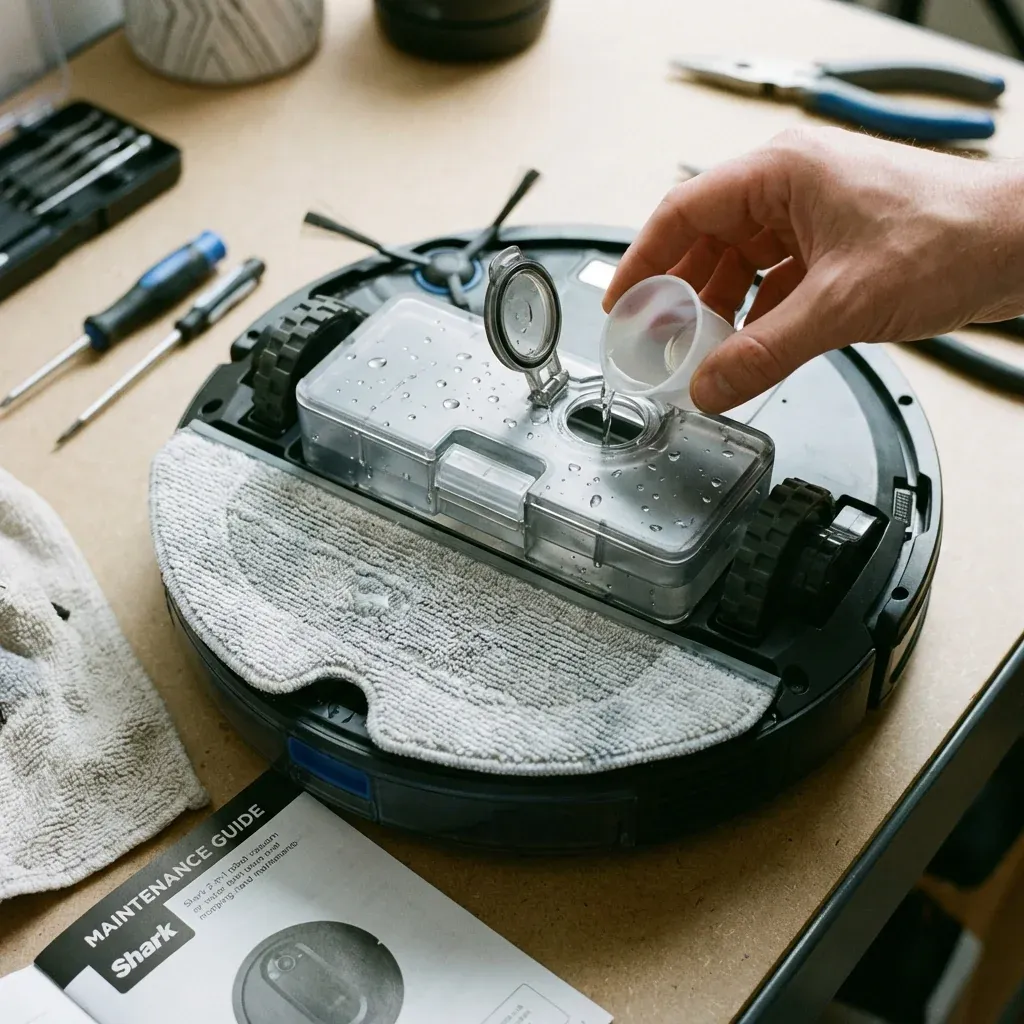
Shark’s 2-in-1 Vacuum & Mop robots combine vacuuming with a mopping feature. The robot carries a water tank and a mopping pad that should dampen the floor as it cleans.
Your Shark 2-in-1 vacuum mop isn’t wetting the floor. Learn how to unclog the water tank, prime the pump, and fix common mopping issues.
- Symptoms: Mopping pad is dry after run, Water tank is full but no water dispenses, Floor has dry streaks, Robot mopping mode not working
- Tools: Clean Water, Thin Wire or Paper Clip
- Difficulty: Medium
When the mopping function stops working, here is how to fix it.
1. Check the Water Tank
Is It Full?
Remove the tank and check the water level. Fill with clean, room-temperature water only.
Is the Valve Open?
Some tanks have a small rubber valve or stopper. Ensure it is properly seated and not stuck closed.
Is the Tank Properly Attached?
The tank must click into place. If loose, water won’t flow to the mopping pad.
2. Prime the Water System
Air bubbles can block the water flow path.
How to Prime
- Remove the water tank.
- Fill it completely with water.
- Hold the tank over a sink.
- Press the dispense button (if equipped) or shake gently to release trapped air.
- Reattach the tank.
- Run the robot in mop mode for 2-3 minutes. Water should begin flowing.
3. Unclog the Dispenser Nozzle
Mineral deposits or debris can block the nozzle that drips water onto the pad.
How to Unclog
- Locate the small hole where water drips onto the mopping pad.
- Use a thin wire, paper clip, or toothpick to gently clear the opening.
- Rinse with clean water.
- Test by running mop mode and looking for water drips.
4. Check the Mopping Pad
- A heavily soiled pad may appear dry even when water is dispensing.
- Replace pads when they lose absorbency.
- Wash reusable pads in warm water without fabric softener (softener reduces absorption).
Common Mopping Issues
| Problem | Cause | Fix |
|---|---|---|
| Dry pad | Clogged nozzle | Unclog with thin wire |
| Uneven wetness | Pad not seated properly | Reattach pad evenly |
| Water pooling | Too much water flow | Reduce water level setting in app |
| Streaky floors | Dirty pad | Replace or wash pad |
TIP: Only use plain water in the tank. Cleaning solutions can clog the dispenser and void your warranty. If you want cleaning solution, spray it directly on the reusable pad before attaching.
Shark Rotator Powered Lift-Away Not Working? Check These 3 Connections