Is your brush roll still when in Lift-Away mode? Learn how to fix the electrical connection issues that cause the Powered Lift-Away feature to fail.
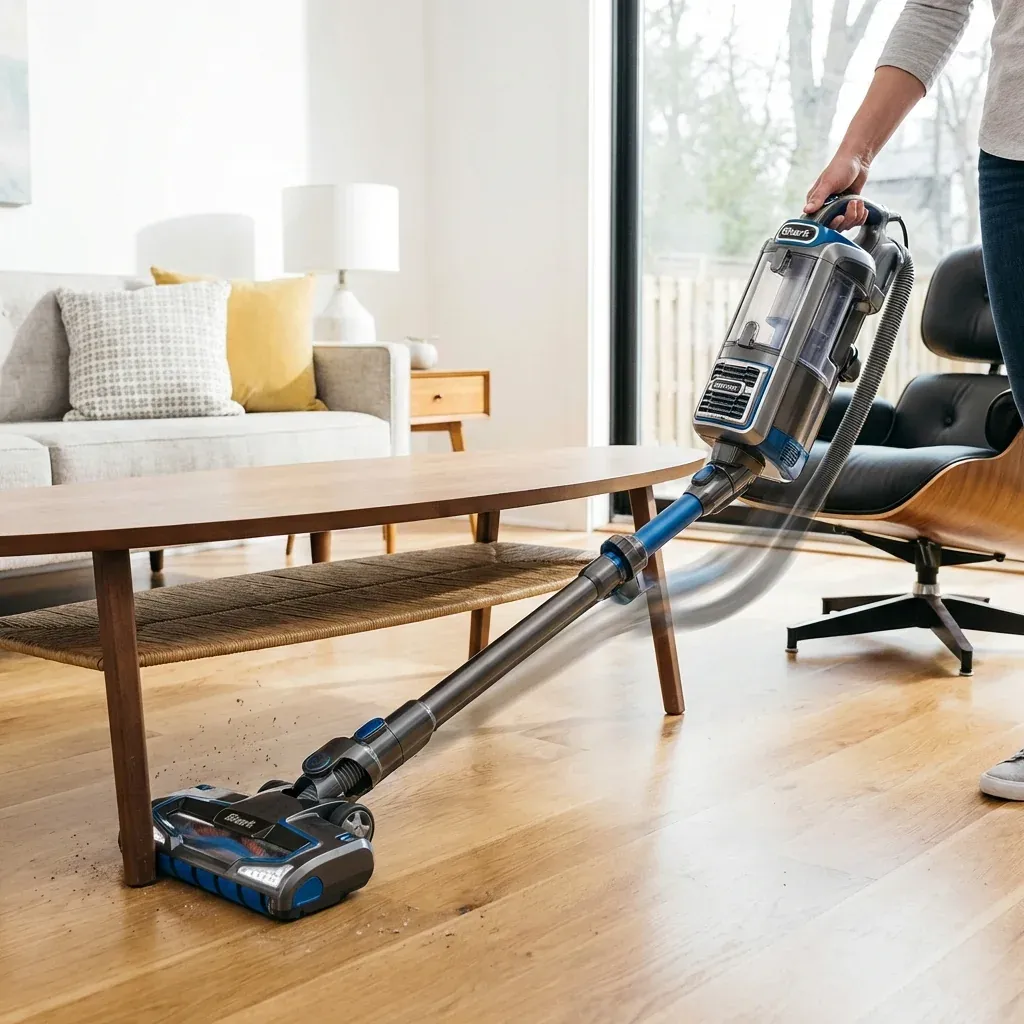
The “Powered Lift-Away” feature is what separates the Shark Rotator from many other uprights. It allows you to remove the motor pod to reach under furniture while still keeping the brush roll spinning.
Is your brush roll still when in Lift-Away mode? Learn how to fix the electrical connection issues that cause the Powered Lift-Away feature to fail.
- Symptoms: Brush roll does not spin in Lift-Away mode, Floor nozzle headlights are dark while pod is detached, Intermittent power to the vacuum head
- Tools: Damp Cloth, Cotton Swab, Rubbing Alcohol
- Difficulty: Medium
However, because this feature relies on a complex chain of electrical connections from the handle to the floor nozzle, a single loose point can cause the whole system to fail. If your brush roll works in “Upright” mode but stops in “Lift-Away,” follow these steps.
Shark Navigator Headlights Flashing? Common Causes and Fixes
1. Inspect the “Nozzle-to-Pod” Connection
When you detach the pod, power is sent through the hose and wand down to the nozzle. If the wand isn’t clicked perfectly into the nozzle neck, the circuit is broken.
The Fix:
- Unplug the vacuum.
- Press the release button at the base of the wand and pull it out of the floor nozzle.
- Look for any dust or hair inside the “female” socket on the nozzle.
- Re-insert the wand with a firm push until you hear a loud CLICK.
2. Cleaning the Electrical Pins
If you look at the end of your vacuum wand and the top of the floor nozzle, you will see two or three metal pins. These carry the high voltage needed to turn the brush motor. Over time, static-charged dust can coat these pins, acting as an insulator.
The Fix:
- Dip a cotton swab in rubbing alcohol (70% or higher).
- Gently rub the metal pins and the socket terminals to remove any grey or black residue.
- Dry the area with a clean cloth before reconnecting.
3. The “Hidden” Hose Connection
On models like the NV752 or NV501, the power moves from the handle handle, through the wire inside the hose, to the pod. If the hose isn’t fully latched into the pod, the floor motor won’t get any power.
The Fix:
- Find where the hose enters the main motor pod.
- Press the release clips and pull the hose out.
- Ensure the plastic locking tabs are not broken.
- Re-seat the hose. If the brush roll starts spinning when you “wiggle” the hose, the internal wires of your hose may be failing, and you might need a Hose Replacement.
4. Resetting the Thermal Switch
Sometimes, the Powered Lift-Away stops because the nozzle motor detected an obstruction (like a rug edge) and tripped a safety switch.
The Fix:
- Turn off and unplug the vacuum.
- Check the brush roll for hair wrap or debris.
- Perform a “Hard Reset”: Leave the vacuum unplugged for 45 minutes. This allows the internal protector to cool down and reset itself.
| Problem | Recommended Fix |
|---|---|
| No brush or lights in Lift-Away | Broken pin connection |
| Lights work, but no brush | Jammed brush roll |
| Brush starts if hose is moved | Frayed internal hose wire |
| Only works in Upright mode | Improper wand seating |
TIP: Always check the “Floor” setting on your handle. Some Rotator models have a specific “Hard Floor” setting that automatically disables the brush roll. Ensure you are in “Carpet” or “Piled Carpet” mode before troubleshooting the electrical connections.