Vacuum shutting off mid-clean? This is likely the thermal safety switch activating. Learn the correct 60-minute reset procedure and how to clear the blockage causing the heat.
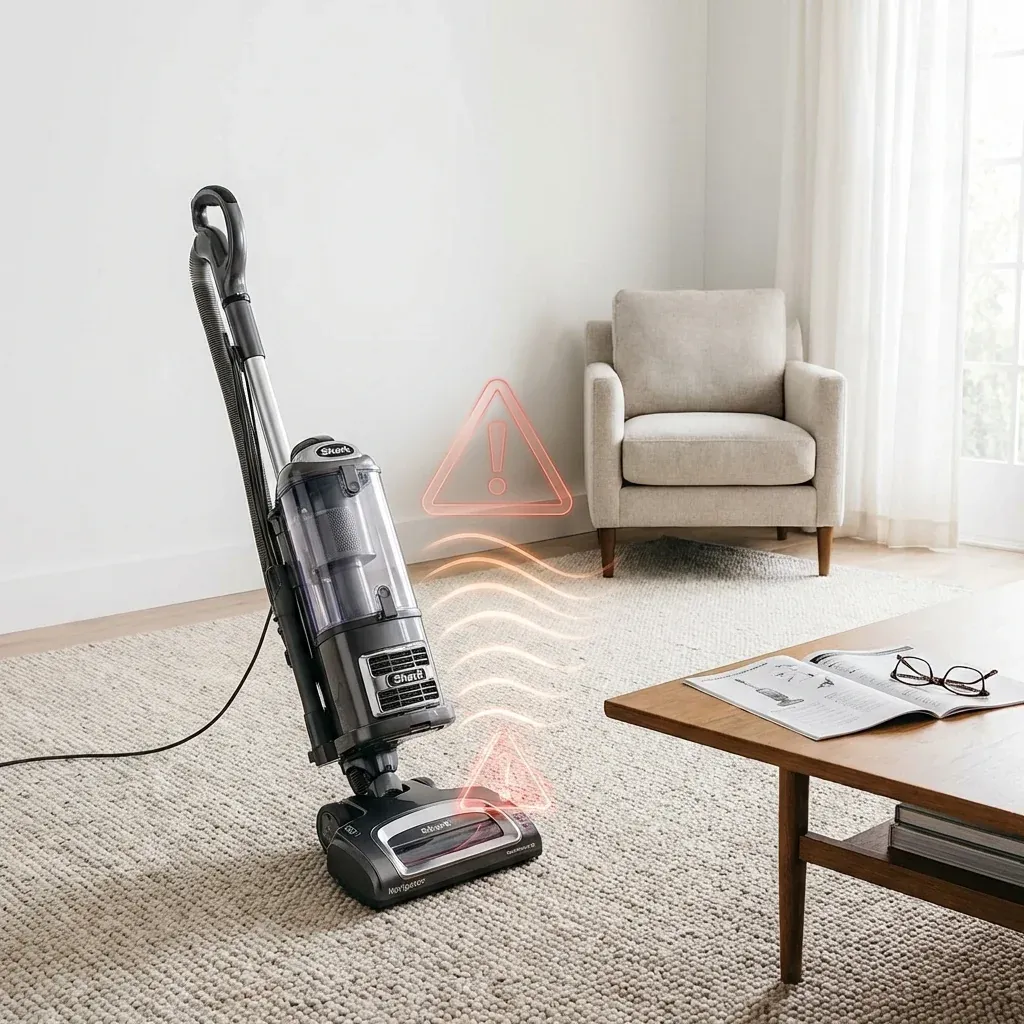
Nothing is more frustrating than being halfway through a room only for your vacuum to go silent. If your Shark Navigator shuts off unexpectedly and the motor feels warm to the touch, don’t panic. It hasn’t “died”—it has entered a safety mode to protect itself from heat damage.
Vacuum shutting off mid-clean? This is likely the thermal safety switch activating. Learn the correct 60-minute reset procedure and how to clear the blockage causing the heat.
- Symptoms: vacum shuts off unexpectedly, burning smell, motor feels hot, red indicator light
- Tools: scissors, flashlight
- Difficulty: Easy
This is the vacuum’s way of saying it’s working too hard. Usually, it’s because airflow is blocked, forcing the motor to spin faster and hotter. Here is how to cool it down and get back to cleaning.
Before You Start: The Cool-Down Period
Safety first: You cannot fix an overheating vacuum while it is still hot. The thermal fuse (a safety switch) will not reset until the temperature drops.
Shark Matrix Keeps Getting Stuck: Wheel & Clearance Fixes
- Unplug the vacuum: Pull the plug from the wall immediately.
- Clear the area: Find a flat, open space where you can work on the vacuum.
- Wait 45-60 minutes: This is the hard part, but it is mandatory. If you try to turn it back on too soon, it will just shut off again and could cause permanent damage.
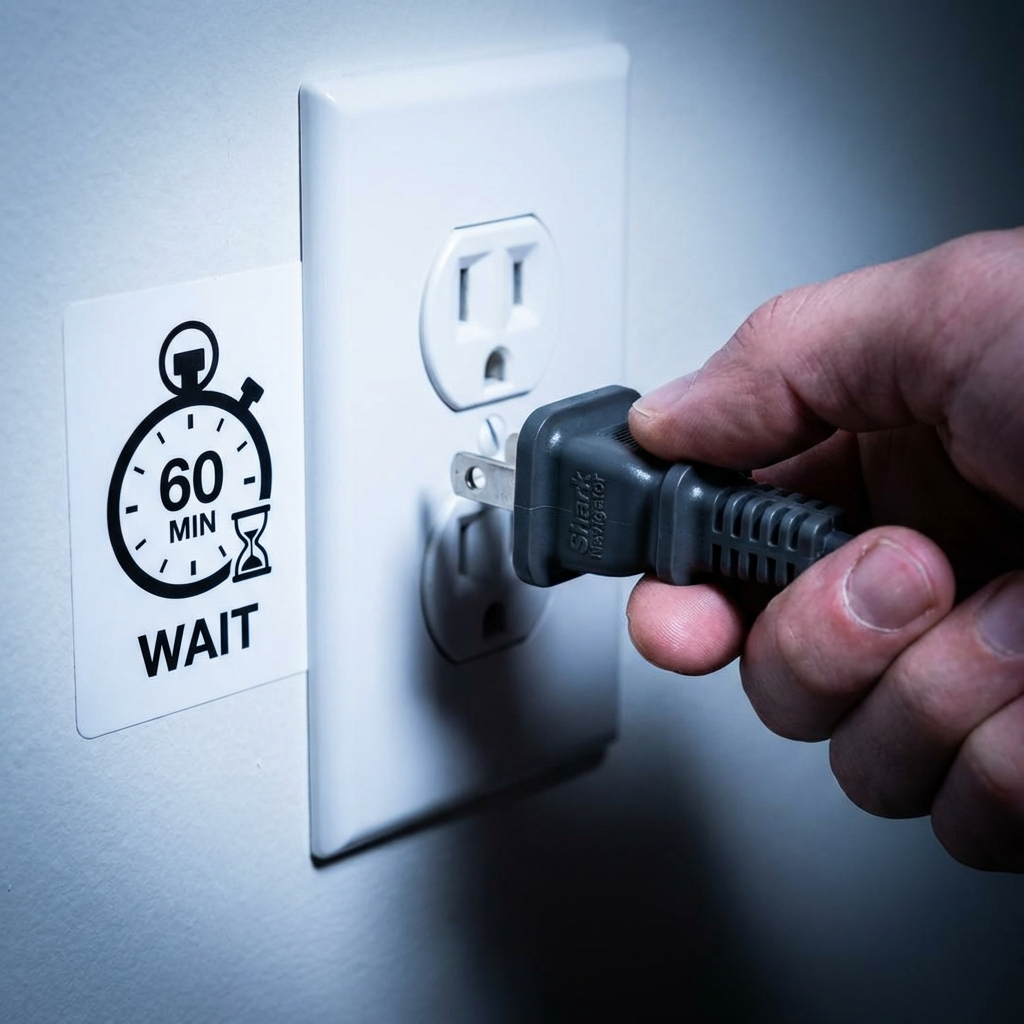 Figure 1: Always unplug and wait at least one hour for the thermal fuse to reset.
The Main Fix: 4 Areas to Check
While your Shark is cooling down, you need to find the “reason” it overheated. If you don’t find the blockage, it will just overheat again in 5 minutes.
1. The Pre-Motor Filters
The most common cause of overheating is a clogged filter. If the motor can’t “breathe” through the filters, it will heat up rapidly.
- Action: Lift off the dust cup and remove the foam and felt filters.
- Check: Are they caked in grey dust? If so, wash them in cold water (no soap) and let them dry for 24 hours.
2. The Brushroll Intake
If hair is matted around the brushroll, the motor has to fight to spin the belt.
- Action: Flip the vacuum over. Use scissors to carefully cut away hair, string, or carpet fibers wrapped around the roller.
- Check: Spin the roller with your hand. It should move freely without resistance.
3. Hose and Wand Blockages
Sometimes a large object (like a coin or a sock) gets stuck in the pipe, acting like a dam that traps heat.
- Action: Detach the hose and the cleaning wand. Peak through them using a flashlight.
- Check: If you can’t see light through the other end, push a broom handle through gently to dislodge the clog.
4. The Dust Cup Level
A full dust cup forces the motor to push air through a wall of debris.
- Action: Empty the dust cup, even if it isn’t at the “Max” line yet. Ensure the metal screen inside the cup is also free of lint.
How to Test Your Reset
Once the 60 minutes have passed and you have cleared all blockages, it’s time to see if the reset worked.
- Reassemble everything: Put the (dry) filters back in and click the dust cup into place.
- Plug it in: Use a different wall outlet if possible, just to be sure.
- Turn it on: It should start normally.
- Listen: If it sounds like it’s whistling or straining, turn it off immediately—you might have missed a secondary clog in the lower hose.