Does your Shark Matrix get stuck in the same spot every time? Learn how to identify problem areas, adjust clearances, and use virtual barriers.
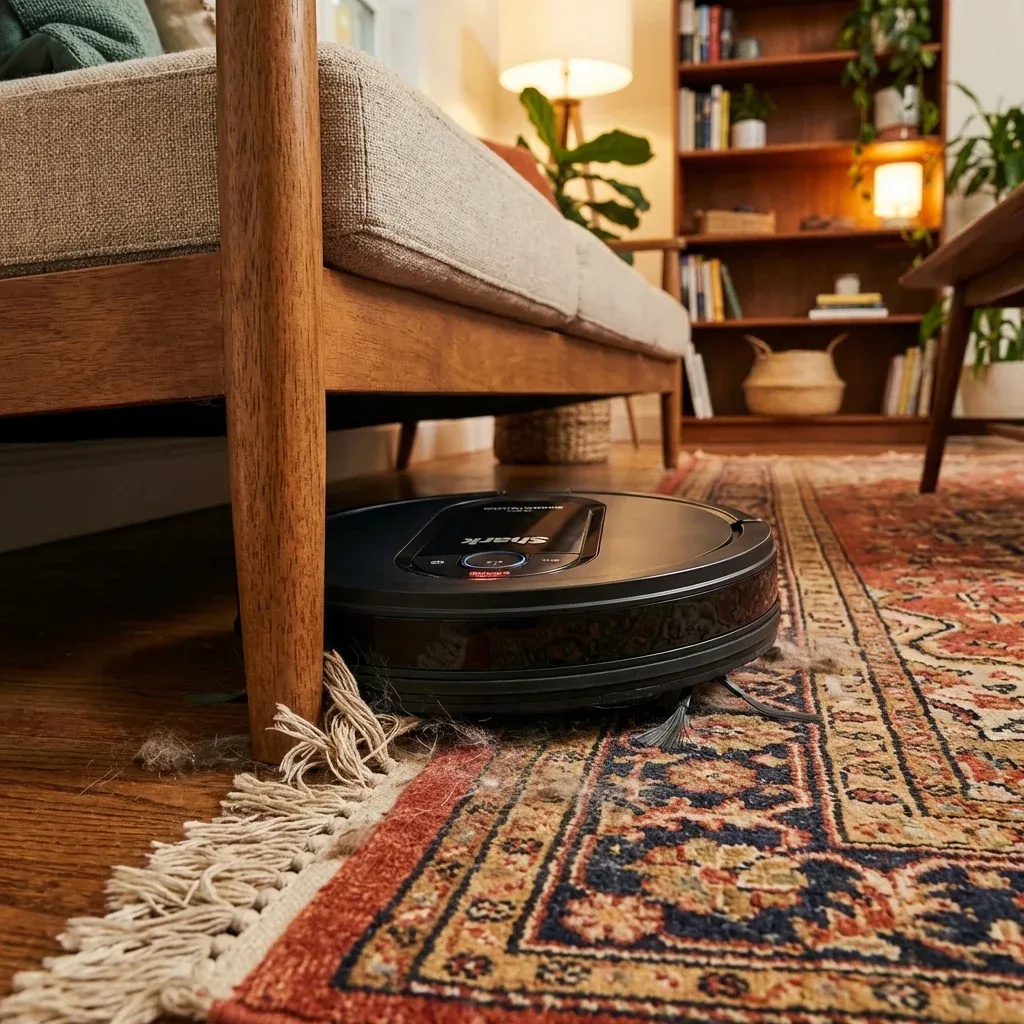
Even smart robots get stuck. The Shark Matrix has advanced navigation, but physical obstacles can still trap it. If your robot gets stuck in the same location repeatedly, here is how to solve it.
Does your Shark Matrix get stuck in the same spot every time? Learn how to identify problem areas, adjust clearances, and use virtual barriers.
- Symptoms: Robot gets stuck under furniture, Robot trapped on rug edges, Robot stuck on cables or cords, Same error location every run
- Tools: Measuring Tape, Furniture Risers (optional)
- Difficulty: Easy
1. Common Stuck Locations
Under Furniture
The Matrix is about 3.5 inches tall. Furniture clearance below this causes problems.
- Solution: Measure your furniture gaps. If under 4 inches, either block access with a No-Go Zone or use furniture risers to add clearance.
Rug Edges & Thresholds
Thick rugs or raised thresholds can trap wheels.
- Solution: Secure rug edges with double-sided tape. For thresholds over 0.75 inches, consider a ramp or No-Go Zone.
Cable Bundles
The robot can drive over single cables but gets tangled in clusters.
- Solution: Use cable management clips or zip-tie cables to walls. Create No-Go Zones around entertainment centers.
Chair & Table Legs
Narrow legs can trap the robot between them.
- Solution: Some users add small felt pads to widen the legs’ footprint, making them easier for the robot to detect and avoid.
2. Using No-Go Zones
The SharkClean app allows you to draw virtual barriers.
- Open the app and go to your Map.
- Tap Edit or No-Go Zones.
- Draw a rectangle around the problem area.
- Save the map.
The robot will treat these zones as solid walls.
3. Physical Barriers
For non-app-enabled robots (older Ion models), use physical barriers:
- Magnetic boundary strips (sold separately).
- Baby gates or cardboard blockers.
4. Wheel Maintenance
Sometimes the robot gets stuck because its wheels can’t grip properly.
Check for
- Hair wrapped around wheel axles.
- Dust buildup on wheel treads.
- Worn rubber on drive wheels.
Fix
- Remove wheels (usually tool-free clips) and clean thoroughly.
- Replace worn wheels via Shark’s parts store.
TIP: After the robot gets stuck, check the app’s cleaning history map. It shows the exact spot where the robot stopped. This helps you identify the obstacle even if you were not home.