Is your Shark Navigator motor running but the brush isn't spinning? Learn how to replace the drive belt on older Navigator models (NV22, NV42, NV80).
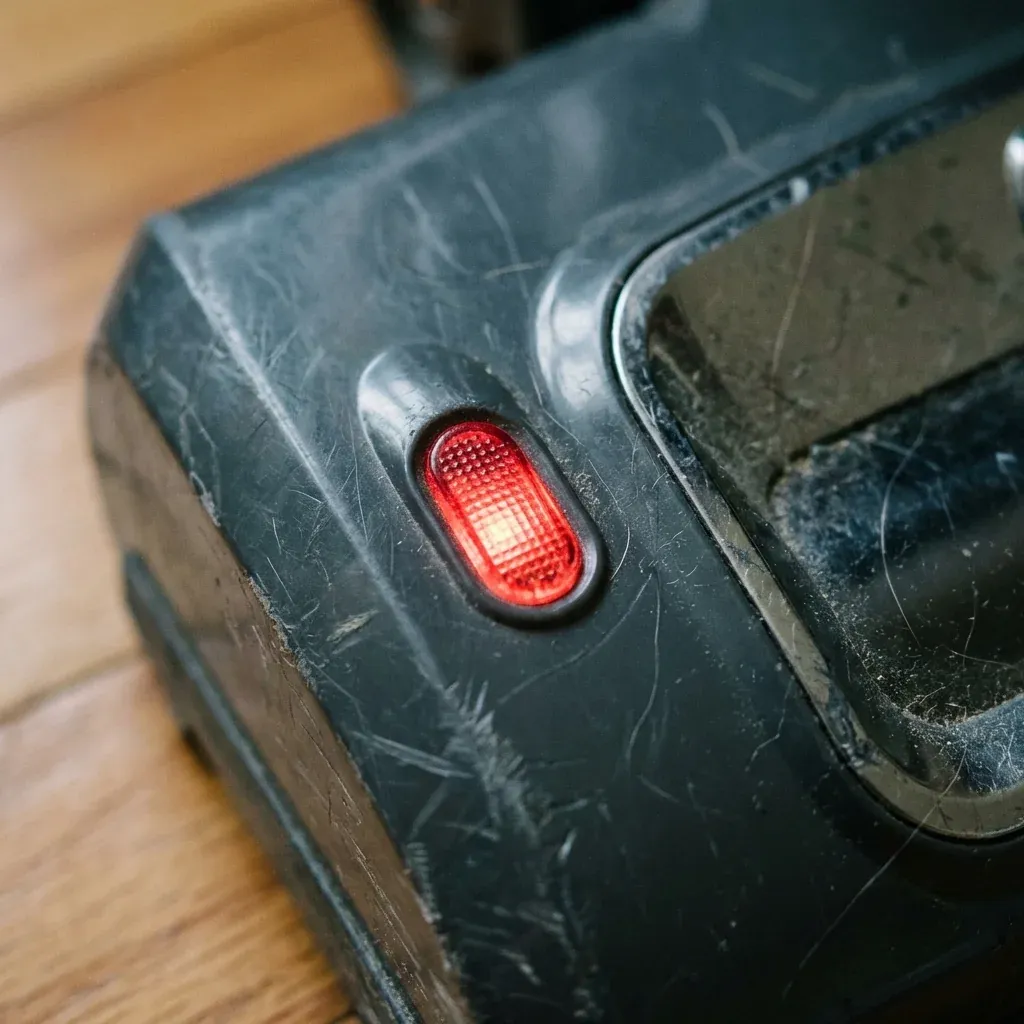
Most modern Shark vacuums use a “geared belt” that is designed to last the life of the machine. However, many seniors still own and love the original Shark Navigator models (like the NV22, NV42, or the Navigator Deluxe NV80).
Is your Shark Navigator motor running but the brush isn’t spinning? Learn how to replace the drive belt on older Navigator models (NV22, NV42, NV80).
- Symptoms: Vacuum motor sounds normal, Brush roll does not spin on carpet, Smell of burning rubber, Nozzle light stays green but brush is still
- Tools: Phillips Head Screwdriver, Replacement Belt (Style 2/3), Pair of Pliers
- Difficulty: Hard
These older machines use rubber belts that can snap or stretch over time. If you hear the motor whirring but the brush roll isn’t moving, you likely need a new belt.
Is Your Belt Actually the Problem?
Before you take the vacuum apart, check the Brush Roll Reset Button.
- Look for a tiny button on the side of the floor nozzle.
- If it has popped out, press it back in.
- If the brush roll still doesn’t spin, or if you smell burning rubber, it’s time for a replacement.
Step-by-Step Belt Replacement
1. Buy the Right Belt
You cannot use a “universal” vacuum belt. Check your model number on the back of the vacuum.
- NV22/NV42: Uses a standard rubber loop belt (often labeled “Style 2”).
- NV80/NV70: Uses a specific “193 3GT” geared belt.
2. Open the Floor Nozzle
Flip the floor nozzle over. You will need to remove between 8 and 11 Phillips head screws.
TIP: Senior Safety Hack: Shark screws are often different lengths. Place each screw on a piece of masking tape and label “Top Left,” “Bottom Center,” etc., so you know exactly where they go back.
3. Remove the Soleplate
Lift off the plastic bottom cover (the soleplate). You will see the brush roll and the belt path.
4. Remove the Old Belt
Slide the brush roll out of its cradle. If the belt is snapped, simply remove the pieces. If it is stretched or melted, you may need pliers to pull it off the motor shaft (the small metal pin spinning near the motor).
5. Loop the New Belt
- Slide the new belt over the motor shaft first.
- Stretch the belt across and loop it over the geared end of the brush roll.
- Slide the brush roll back into its side slots. This will require some force as the new belt is tight!
6. Test the Spin
Before putting the screws back in, spin the brush roll with your hand. The motor shaft should spin along with it. If it feels smooth and tight, you are ready to close it up.
7. Reassemble
Snap the cover back on and replace the screws. Do not over-tighten, as you might crack the plastic casing.
Why Do Belts Break?
To prevent your next belt from snapping:
- Avoid Rug Fringe: This is the #1 “belt killer.”
- Clean Hair Weekly: If the brush roll is heavy with hair, the motor has to pull harder, heating up the belt until it melts or snaps.
| Item | Details |
|---|---|
| Navigator NV22 | Rubber Loop (Style 2) |
| Navigator NV42 | Rubber Loop (Style 2) |
| Navigator Deluxe (NV80) | Geared (193 3GT) |
Shark Navigator Cord Keeps Getting Tangled: The ‘Hot Water’ Fix