Looking for your Roomba manual? Find direct download links for Roomba s-series, i-series, j-series, and classic models.
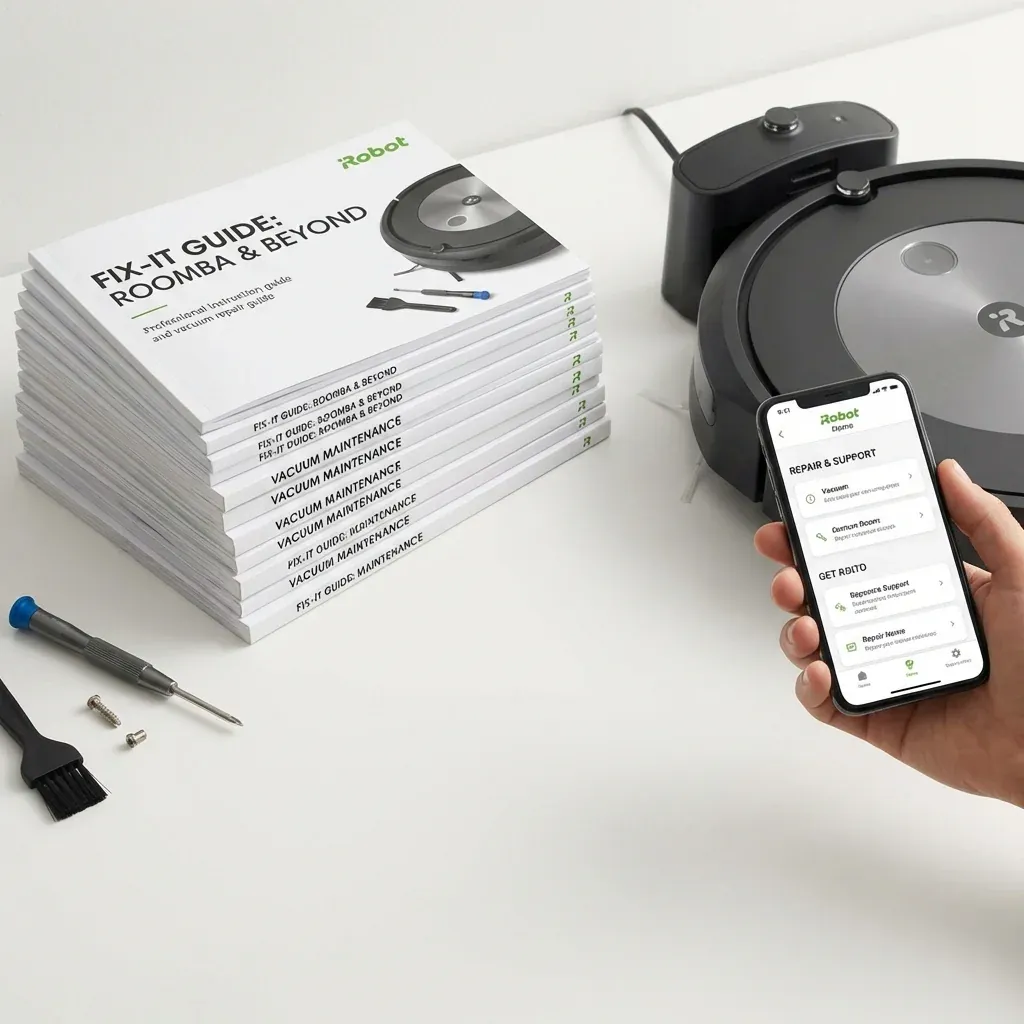
iRobot no longer includes thick paper manuals in the box to save on waste. Most of their documentation is now hosted digitally or within the iRobot Home App.
Find direct download links for official iRobot Roomba user manuals and maintenance guides.
- Format: PDF (Large Print Friendly)
- Cost: Free
- Models Covered: s9, i7, j7, e5, 600-900 series
TIP: Visibility Tip: If the text in your original paper manual is too small, these digital PDF guides are perfect. You can “zoom in” on your tablet or computer screen to make the instructions as large as you need!
Where to Find Official Manuals
The best place to get the most up-to-date manual is the iRobot Official Support Portal. However, you can also access them via:
1. The iRobot Home App
- Open the App.
- Scroll to the bottom and tap Product Settings.
- Select Owner’s Guide. This will open a mobile-optimized version of your specific robot’s manual.
2. Manual Downloads by Series (PDF)
- s-Series (s9/s9+): Download s9 Manual
- j-Series (j7/j7+): Download j7 Manual
- i-Series (i1-i8): Download i7 Manual
- 600 Series: Download 675/694 Manual
Common Setup Instructions
Regardless of your model, the initial setup follows the same pattern:
- Remove Tabs: Pull the yellow battery pull-tab out.
- Dock Placement: Place the Home Base against a wall with 1.5ft of clearance on each side.
- App Pairing: Download the iRobot Home App and follow the on-screen steps to connect to 2.4GHz Wi-Fi.
Maintenance Schedule Reference
| Part | Cleaning Frequency | Replacement Frequency |
|---|---|---|
| Bin | After every use | N/A |
| Filter | Once a week | Every 2 months |
| Edge-Sweeping Brush | Once a month | Every 6 months |
| Main Rollers | Once a month | Every 6-12 months |
| Sensors/Contacts | Once a month | N/A |
NOTE: If you have a Braava Jet mopping robot, the manuals are also found on the same support portal under the “Mopping” category.