Is your Shark Rocket cordless vacuum only lasting 5 minutes? Learn how to diagnose battery health, understand indicator lights, and restore runtime.
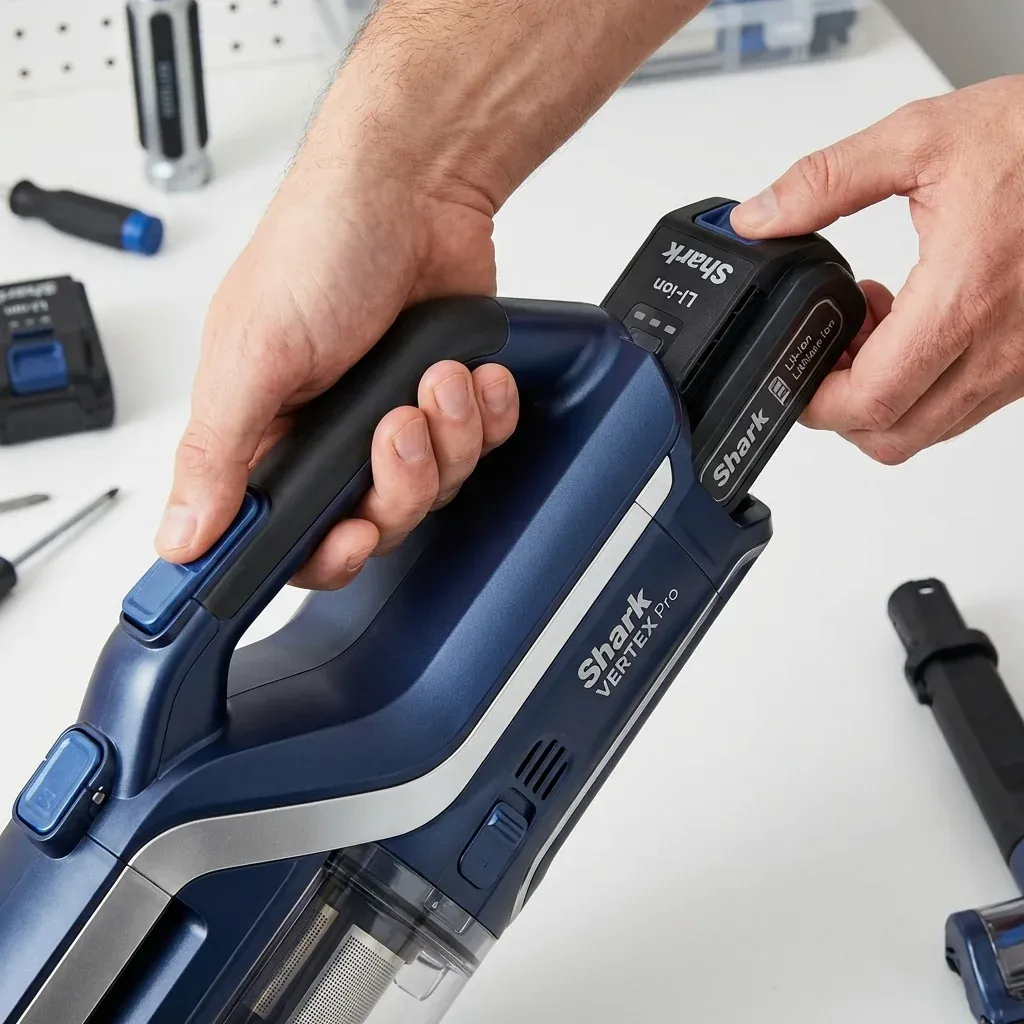
The Shark Rocket Cordless (and related Vertex models) offers convenience, but its lithium-ion battery is its most vulnerable component. Over time, every battery loses its capacity, but premature failure is often caused by heat or incorrect charging habits.
Is your Shark Rocket cordless vacuum only lasting 5 minutes? Learn how to diagnose battery health, understand indicator lights, and restore runtime.
- Symptoms: Runtime has dropped significantly, Lights flash Blue/White during use, Vacuum turns off immediately on Carpet mode, Battery won’t charge to 100%
- Tools: Original Charger
- Difficulty: Easy
If your vacuum is dying before you finish a single room, follow these steps to determine if you need a new battery or just a “Cold Reset.”
1. Runtime Expectations vs. Reality
Many users are frustrated when their cordless Rocket doesn’t reach the “40-minute” runtime advertised on the box.
- The Reality: That 40-minute figure is usually for “Low Power” (Hard Floor) mode using the handheld portion only.
- The Carpet Drain: In “Boost” or “Carpet” mode with the motorized floor nozzle attached, a healthy battery may only last 10 to 18 minutes. This is normal.
2. Deciphering the Indicator Lights
Shark batteries use a series of flashing blue or white lights to communicate health errors.
- Two Lights Flashing: This often indicates the battery is too hot (thermal protection). Let the vacuum sit for 30 minutes before charging.
- One Light Rapidly Flashing: The battery is critically low or has a cell error.
- No Lights During Charging: Check the power outlet. If the outlet works, the charger itself or the battery’s internal management board has failed.
3. The “Boost Mode” Test
A battery with high internal resistance (dying cells) will work fine in Eco mode but immediately trip the safety sensor in High Power mode because it can’t handle the high current draw.
- The Fix: If your vacuum only dies when you pull the “Boost” trigger or switch to “Carpet” mode, your battery is exhausted and needs replacement. The cells can no longer provide the peak power required for the floor nozzle’s motor.
4. The 24-Hour “Cold Reset”
Sometimes the battery’s logic board becomes stuck in an error state.
- Unplug the battery from the vacuum (if removable) or simply unplug the charger.
- Press and hold the power button for 15 seconds to drain any residual charge.
- Let the vacuum sit in a cool, dry place for 24 hours.
- Plug it back in and charge it until the lights go solid (do not interrupt the charge).
Battery Health Checklist
| Habit | Impact |
|---|---|
| Storing on Charger 24/7 | Good (Modern Shark boards prevent overcharging) |
| Running until 0% every time | Bad (Stresses the lithium cells) |
| Charging in a hot garage | Bad (Heat is the primary killer of Li-ion) |
| Using generic chargers | Dangerous (Voltage spikes can fry the board) |
TIP: Never store your Shark cordless vacuum in a closet that gets direct sunlight or near a heater. Heat degrades the chemical layers inside the battery, leading to permanent capacity loss that no reset can fix.