Is your robot vacuum moving in a repetitive circle? Learn how to fix stuck bumpers, clean wheel sensors, and get your Shark robot back on track.
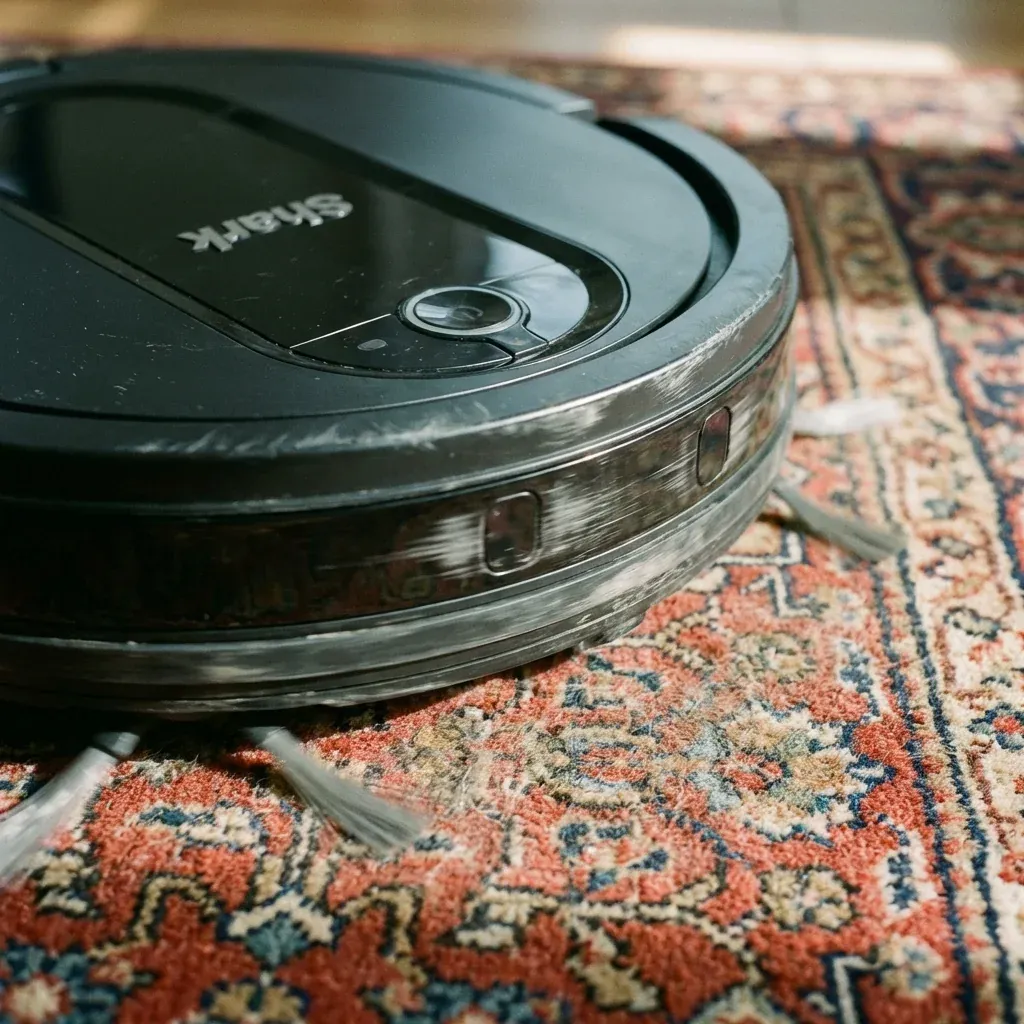
If your Shark Robot starts moving in a small, tight circle instead of its usual cleaning pattern, it is experiencing what is commonly called the “Circle Dance.” This is rarely a software glitch; rather, it’s the robot’s way of trying to navigate an obstacle it thinks is there but isn’t.
Is your robot vacuum moving in a repetitive circle? Learn how to fix stuck bumpers, clean wheel sensors, and get your Shark robot back on track.
- Symptoms: Robot moves in a small circle and then stops, Robot only turns in one direction, Error code indicating a ‘Bumper Error’ or ‘Wheel Motor Error’, Robot acts like it is hitting invisible walls
- Tools: Microfiber Cloth, Compressed Air, Flashlight
- Difficulty: Medium
Most of the time, the robot spins because it believes one side of its bumper is permanently pressed against a wall. Here is how to fix it.
1. The Bumper “Tap” Method
The primary cause of spinning is a stuck bumper. If the left side of the front bumper is jammed with a piece of grit or a small toy, the robot will constantly turn to the right to “avoid” the imaginary obstacle.
- The Fix: Use your hand to tap the front bumper all the way across. It should click and spring back out instantly. If one side feels “mushy” or doesn’t move, pull it outward gently with your fingers to release the jam. Use compressed air to blow out any dust from the gap behind the bumper.
2. Dirty Cliff Sensors
If the robot’s “eyes” (the cliff sensors on the bottom) are dirty, the robot might think it’s on the edge of a cliff. If only one sensor is dirty, the robot will pull away from that side, causing a circular motion.
- The Fix: Flip the robot over. Locate the 4 to 6 small rectangular windows on the outer edge. Wipe them with a dry microfiber cloth. Even a single fingerprint can cause the sensor to misread.
3. Wheel Tangles and Tachometers
Each wheel on your Shark robot has a sensor (tachometer) that counts how many times it spins. If hair is wrapped tightly around one wheel’s axle, that wheel won’t spin as fast as the other, causing the robot to veer in a circle.
- The Fix: Pull the robot’s drive wheels up and down. They should be springy. Rotate them with your hand. If one feels harder to turn than the other, use needle-nose pliers to remove any hair or string wrapped around the internal axle.
4. Lighting and Shadows
In very rare cases, a Shark robot with a camera (IQ and AI models) can get “lost” in a room with very harsh shadows or a single bright beam of sunlight. The robot misinterprets the sharp shadow as a physical wall.
- The Fix: Close the blinds or turn on the room lights to create even lighting. If the robot stops spinning, you know it was a visual navigation error.
Quick Diagnostic: Why is it Spinning?
| Action | If it stops… | Problem Found |
|---|---|---|
| Tap the Bumper | Stops spinning | Stuck mechanical bumper |
| Clean Bottom Sensors | Stops spinning | Cliff sensor error |
| Remove Hair from Wheel | Stops spinning | Wheel motor friction |
| Move to a different room | Stops spinning | Room-specific obstacle or floor color |
TIP: If your robot spins specifically on a rug but not on hardwood, the rug might be too thick. The high friction of the carpet fibers can “trick” the wheel sensors into thinking the motor is jammed. Try reducing the “Suction” setting in the app for that specific room.