Does your Shark robot vacuum turn on and then immediately stop? Learn how to clean your cliff sensors and fix the 'dark rug' error that confuses robot vacuums.
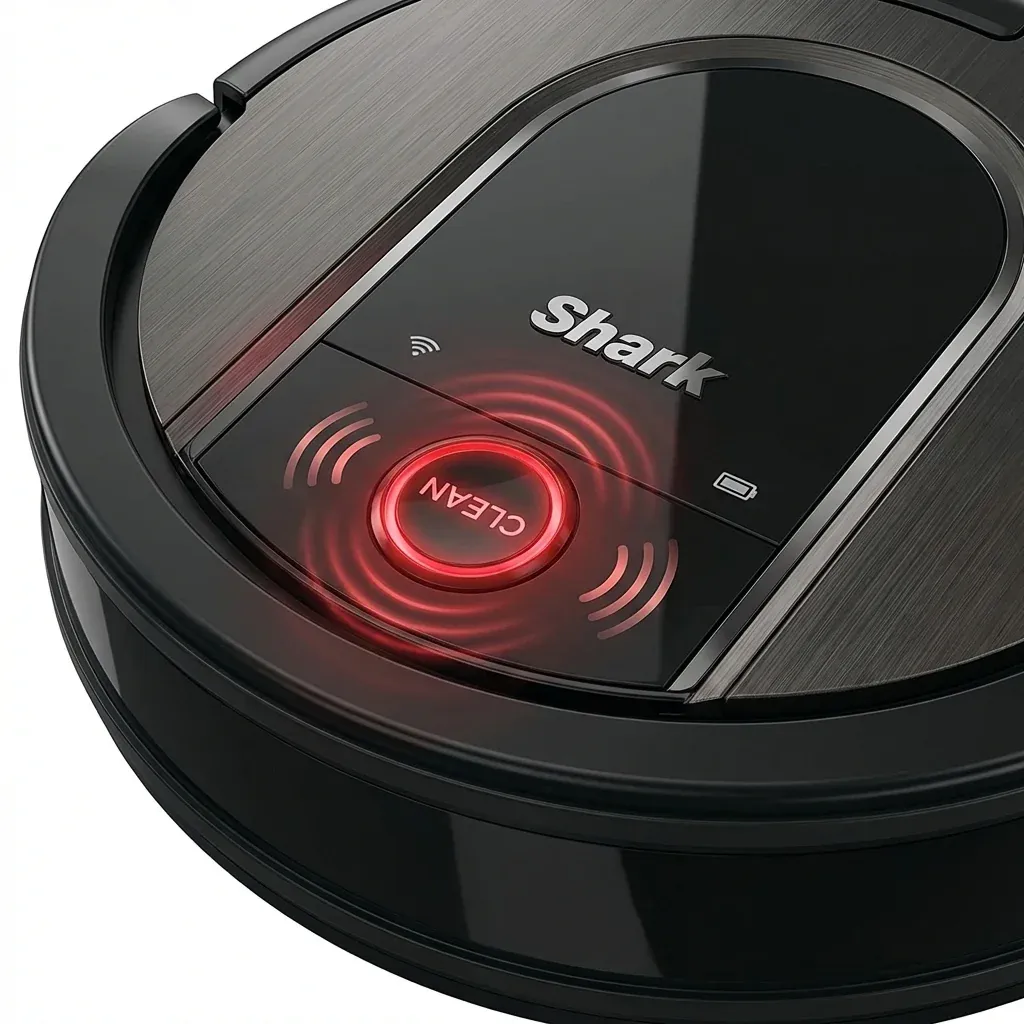
One of the most frustrating Shark robot issues is the “Start-Stop” cycle. You press clean, the robot moves three feet, chimes an error, and stops.
Does your Shark robot vacuum turn on and then immediately stop? Learn how to clean your cliff sensors and fix the ‘dark rug’ error that confuses robot vacuums.
- Symptoms: Robot starts cleaning but stops after 5-10 seconds, Error code or voice prompt says ‘Clean cliff sensors’, Robot refuses to go onto a dark-colored rug, Robot acts like it is trapped in a corner when it is in an open room
- Tools: Dry Microfiber Cloth, White Paper (Optional for diagnostics)
- Difficulty: Easy
9 times out of 10, this is your robot’s survival instinct kicking in. It thinks it is about to fall down a flight of stairs. Whether there is real dust on the sensors or just a dark rug confusing the infrared beams, here is how to fix it.
1. Finding and Cleaning the Cliff Sensors
Shark robots (including IQ, AI, and Ion) have infrared sensors located on the bottom front edge. These sensors send a beam of light to the floor. If the light doesn’t return, the robot assumes there is no floor (a cliff) and stops.
- The Fix: Flip the robot over. Look for the small rectangular clear windows (usually 4 to 6 of them) along the front perimeter. Wipe them with a dry microfiber cloth. Do not use cleaning sprays, as they can leave a film that further confuses the sensor.
2. The “Dark Rug” Problem
Does your robot work perfectly on your wood floors but stop as soon as it touches a dark navy or black rug?
- The Cause: Black carpet absorbs infrared light. Because no light returns to the sensor, the robot “sees” a bottomless pit and refuses to drive onto it.
- The Fix: There is no official software fix for this. However, many users fix this by taping small strips of white paper or white electrical tape over the sensors.
- WARNING: If you cover the cliff sensors, your robot will fall down stairs. Only use this fix if your entire cleaning area is on a single flat level with no drop-offs.
3. Dealing with Direct Sunlight
Intense beams of direct sunlight hitting a shiny hardwood floor can “overpower” the robot’s infrared sensors. The robot gets blinded and stops to avoid an “invisible cliff” created by the glare.
- The Fix: Close the sheer curtains during the day. If the robot stops only during peak sunlight hours (typically 12 PM - 3 PM), this is a visual interference issue.
4. Front Caster Wheel Jam
Sometimes the robot stops not because of sensors, but because the small “caster” wheel (the one that spins 360 degrees in front) is stuck.
- The Check: Pull the small front wheel out of its socket. If there is a “hair doughnut” wrapped around the axle, the robot has to work too hard to push itself, causing it to trigger a safety shutdown.
- The Fix: Clear the hair and snap the wheel back in. It should spin like a top with a single flick.
Sensor Troubleshooting Chart
| Symptom | Probable Cause | Fix |
|---|---|---|
| Stops on wood floors | Dusty sensors | Wipe with microfiber |
| Stops on black rugs | IR absorption | Map as ‘No-Go Zone’ or tape sensors |
| Stops in bright sun | Optical glare | Close blinds / cleaning at night |
| Erratic spinning/stops | Jammed caster wheel | Pull and clean small wheel |
TIP: If you cleaned the sensors and the error persists, perform a “Power Cycle.” Turn the robot off using the side switch, wait 1 minute, and turn it back on. This resets the logic board’s sensor threshold.
Shark Navigator Suction Control: How to Make it Easier to Push