Is your robot vacuum stuck at 20% mapping for days? Learn how to fix mapping failures and successfully create a floor plan with your Shark IQ or AI robot.
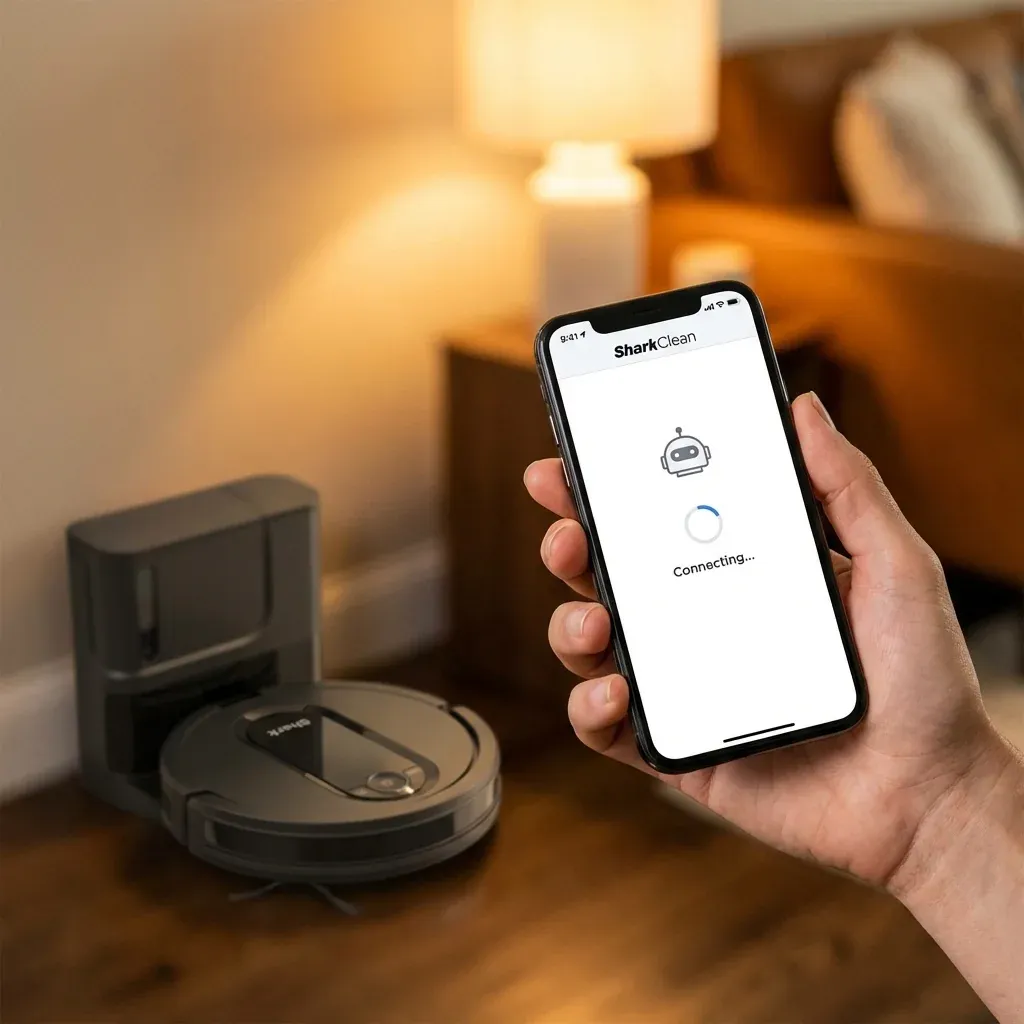
The Shark IQ and AI Robot series use “V-SLAM” technology, meaning they use a camera to look at the ceiling and furniture to figure out where they are. Unlike older robots that just bump into things, these need a clear view to build a map.
Is your robot vacuum stuck at 20% mapping for days? Learn how to fix mapping failures and successfully create a floor plan with your Shark IQ or AI robot.
- Symptoms: Map stuck at a low percentage, Robot keeps returning to dock after 5 minutes, Floor plan looks like a confused mess of lines, No ‘Map’ tab available in the app
- Tools: SharkClean App, High-Wattage Light Bulbs (for setup)
- Difficulty: Easy
If your robot has been running for a week and still hasn’t finished its map, it is likely “confused” by your home’s environment. Here is how to force a successful re-map.
1. The “Bright Light” Requirement
Because the Shark IQ uses an upward-facing camera, it cannot see in the dark. If you run your initial mapping runs at night or in a dim room, the map will never finish.
- The Fix: Turn on every light in the house during the first 3-5 runs. Open the curtains. The robot needs high-contrast features (like door frames and ceiling lights) to “anchor” its position.
2. Prepare the “Obstacle Course”
Shark robots struggle with “temporary” objects. If you leave a laundry basket or a box in the middle of the floor during the first run, the robot marks that spot as a wall.
- The Fix: Pick up all cords, rugs with fringe, and pet bowls. For the first mapping session, your floors should be as bare as possible. Once the map is 100% complete, you can put the rugs back.
3. Clear the Bumper and Sensors
If the front bumper is dusty, the robot might think it is constantly hitting a wall, causing it to truncate its exploration.
- The Fix: Wipe the front black sensor bar with a dry microfiber cloth. Ensure the bumper can click in and out freely on both the left and right sides.
4. Check for “Dark Carpet” Traps
Shark robots use “cliff sensors” to avoid falling down stairs. However, these sensors often mistake black or very dark navy blue carpets for a “drop-off.”
- The Symptom: If your robot spins in a circle on a dark rug and then stops, it thinks it is about to fall. In this case, it will never map that room.
- The Fix (Advanced): Some users cover the cliff sensors with white paper/tape to fix this, but only do this if you have no stairs.
5. How to Delete and Restart the Map
If your map is a mess, don’t try to fix it. Delete it and start over with the lights on.
- Open the SharkClean App.
- Go to the Map tab.
- Tap the Edit (pencil) icon or the three dots in the corner.
- Select Delete Map.
- Wait for the robot to be fully charged (100%), then select Explore Run.
Mapping Success Checklist
| Condition | Ideal Setting |
|---|---|
| Lighting | All room lights ON |
| Floor | No loose cords or small toys |
| Doors | All interior doors OPEN |
| Battery | Start only at 100% charge |
TIP: An “Explore Run” is different from a regular “Clean Run.” During an Explore Run, the robot doesn’t turn on the suction motor to its full power; it focuses entirely on driving around to find walls. Use this mode for the fastest results.
How to Replace a Shark Navigator Power Cord: A DIY Safety Guide