Can a Shark robot vacuum clean multiple floors? Learn about multi-floor mapping, carrying robots between levels, and the best models for 2+ story homes.
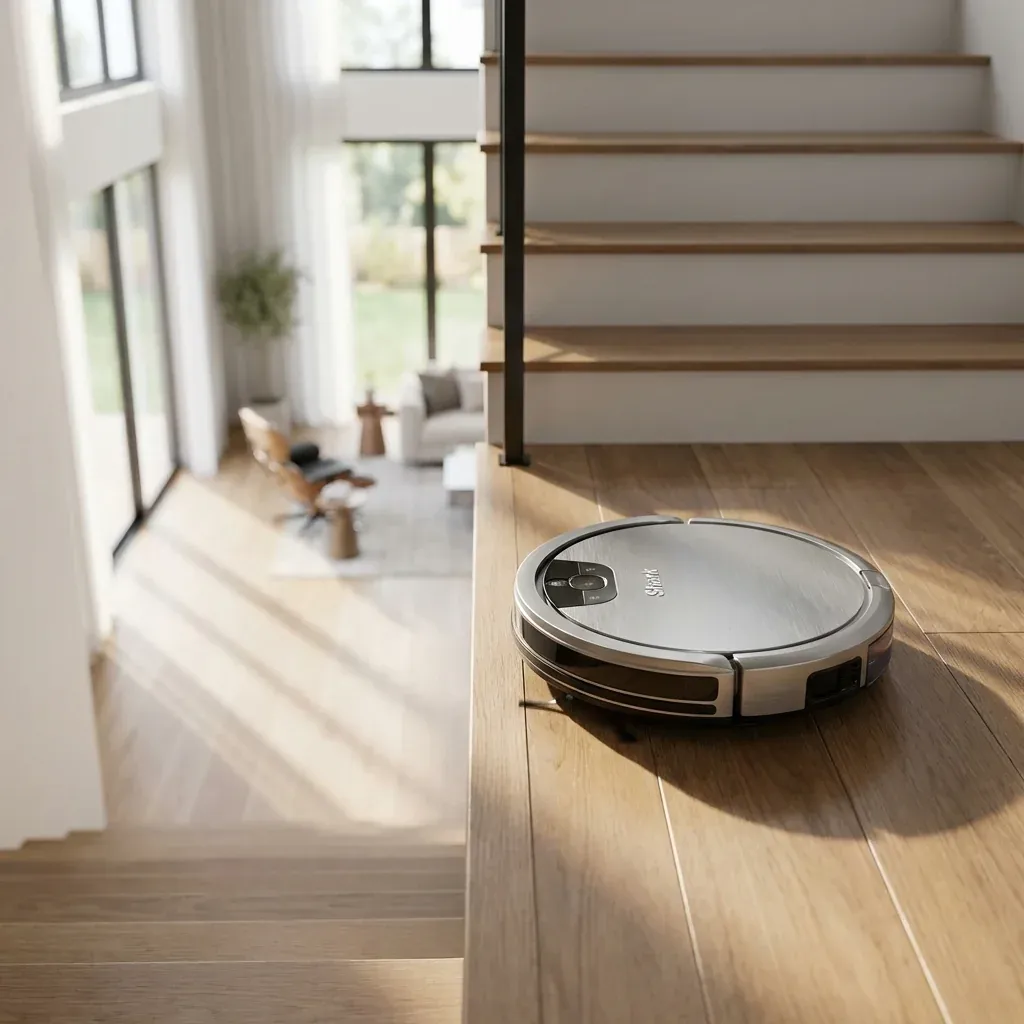
If you live in a multi-story home, you might wonder: can one robot vacuum clean all floors? The answer is yes, but with some limitations.
Can a Shark robot vacuum clean multiple floors? Learn about multi-floor mapping, carrying robots between levels, and the best models for 2+ story homes.
- Symptoms: Looking for robot vacuum for two-story home, Want to use one robot on multiple floors, Need multi-floor mapping capability
- Tools: none
- Difficulty: Easy
Here is how to make Shark robots work in multi-level homes.
1. Multi-Floor Mapping Capability
Not all Shark robots support multi-floor mapping. Here is the breakdown:
| Model Series | Multi-Floor Maps | Max Floors |
|---|---|---|
| Shark Ion (RV750) | No | 1 |
| Shark IQ (RV1001) | Yes | Up to 3 |
| Shark AI Series | Yes | Up to 3 |
| Shark Matrix Series | Yes | Up to 10 |
If your model supports multi-floor mapping, the robot will recognize which floor it is on when you move it and load the correct map.
2. How to Use on Multiple Floors
Step 1: Set Up the First Floor
- Place the dock on Floor 1.
- Let the robot complete several cleaning cycles to build the map.
- Name the map in the app (e.g., “First Floor”).
Step 2: Move to Floor 2
- Carry the robot (not the dock) to Floor 2.
- Place it on the floor and start a cleaning run.
- The robot will recognize this is a new space and create a new map.
- Name this map in the app (e.g., “Second Floor”).
Step 3: Return to Dock Manually
Since the dock stays on Floor 1, you must manually return the robot to the dock when it finishes Floor 2 (or carry a second dock for auto-return).
3. The “Two Dock” Strategy
For maximum convenience, many users buy a second charging dock for the upper floor.
- Cost: ~$50-$80 for a spare dock.
- Benefit: Robot can auto-dock and charge on any floor.
- Setup: The app will ask which floor the dock is on.
4. Best Models for Multi-Story Homes
Best Overall: Shark Matrix Pro
- Supports up to 10 floor maps.
- Advanced LIDAR for fast, accurate mapping.
- Self-empty base (keep on main floor).
- Price: ~$600-$700.
Best Value: Shark AI Ultra
- Supports up to 3 floor maps.
- Camera-based navigation.
- Good for homes with 2-3 floors.
- Price: ~$450-$550.
Budget Option: Shark IQ Robot
- Supports up to 3 floor maps.
- Less advanced navigation but still multi-floor capable.
- Price: ~$350-$400.
Tips for Multi-Floor Use
- Consistent Lighting: Cameras work best with similar lighting on each floor.
- Remove Floor Clutter: The robot maps around objects; too many toys/shoes creates a messy map.
- Label Rooms: Use the app to name rooms on each floor for easy scheduling.
TIP: If you have very different floor layouts (e.g., open plan downstairs, bedrooms upstairs), the robot adapts well. The maps are stored independently, so changes on one floor don’t affect the other.
Corded vs Cordless Shark Vacuum: Pros & Cons for Large Homes